Is Pistamix really free?
Yes. The Mac app is a free beta, and the karaoke website is free to use. A small ad at the bottom of some karaoke website pages helps cover its cost; there are never ads on the TV screen or over the videos.
Can I control Pistamix from my phone?
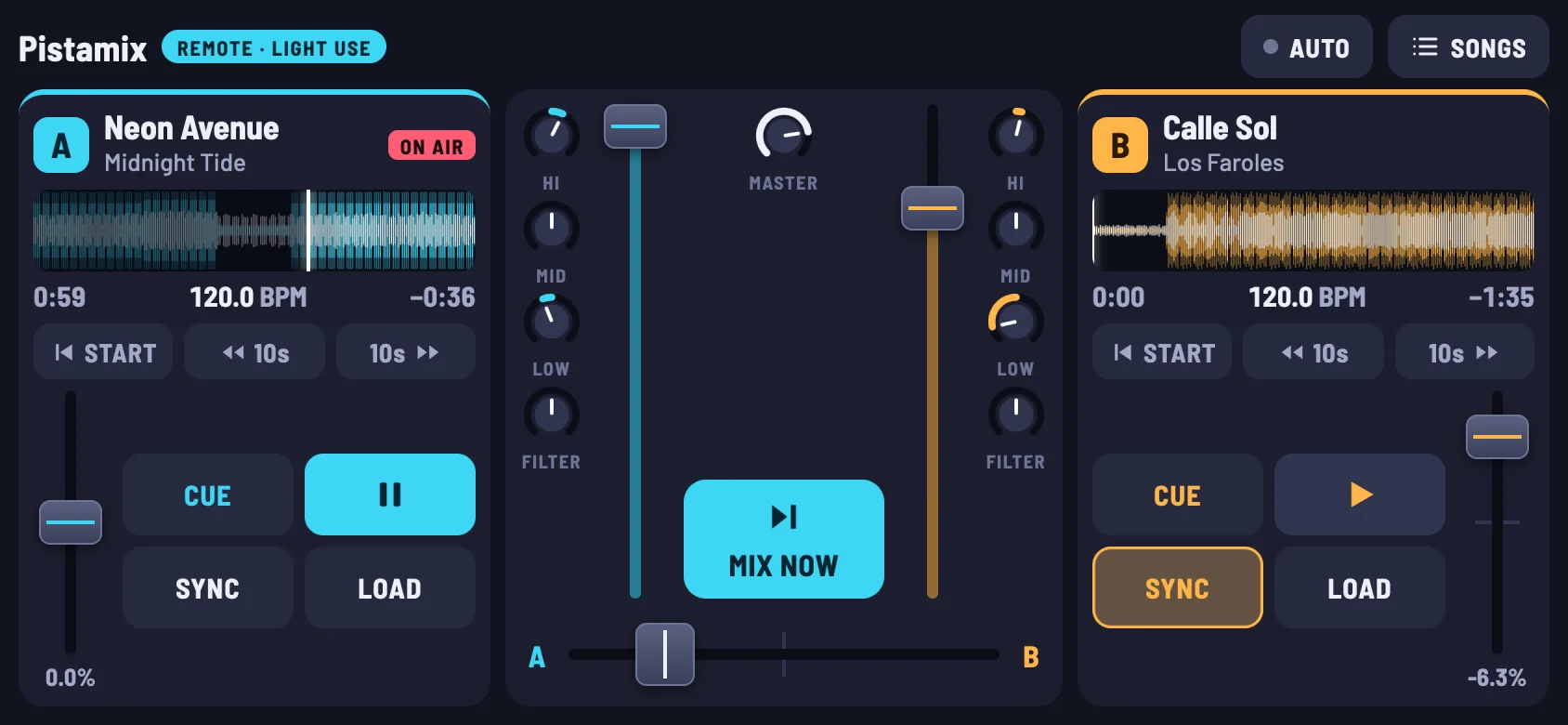
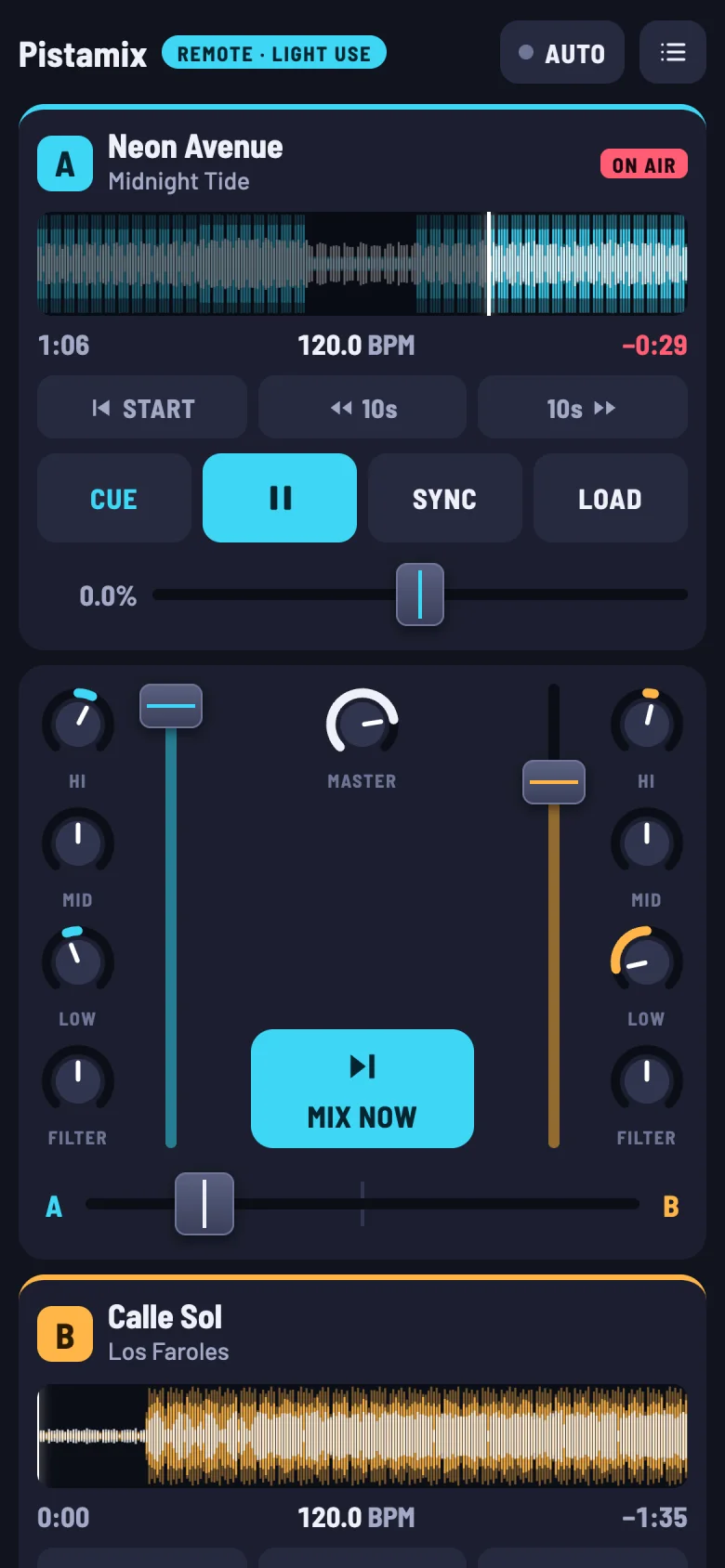
Yes. Turn on the phone remote in Settings, scan the code with your phone, and type the 6-digit code shown on the Mac. It works on the same Wi-Fi, or over the internet if you switch that on. You get both decks, the mixer, restarting and skipping through songs, and your whole library.
Does it work on Windows?
Not yet. Pistamix is Mac only for now. The karaoke website works in any browser, on any computer.
My controller isn’t on the list.
Many controllers work with a custom mapping you can make in Settings. The listed ones work with no setup at all, including their lights and screens.
What do I need for karaoke?
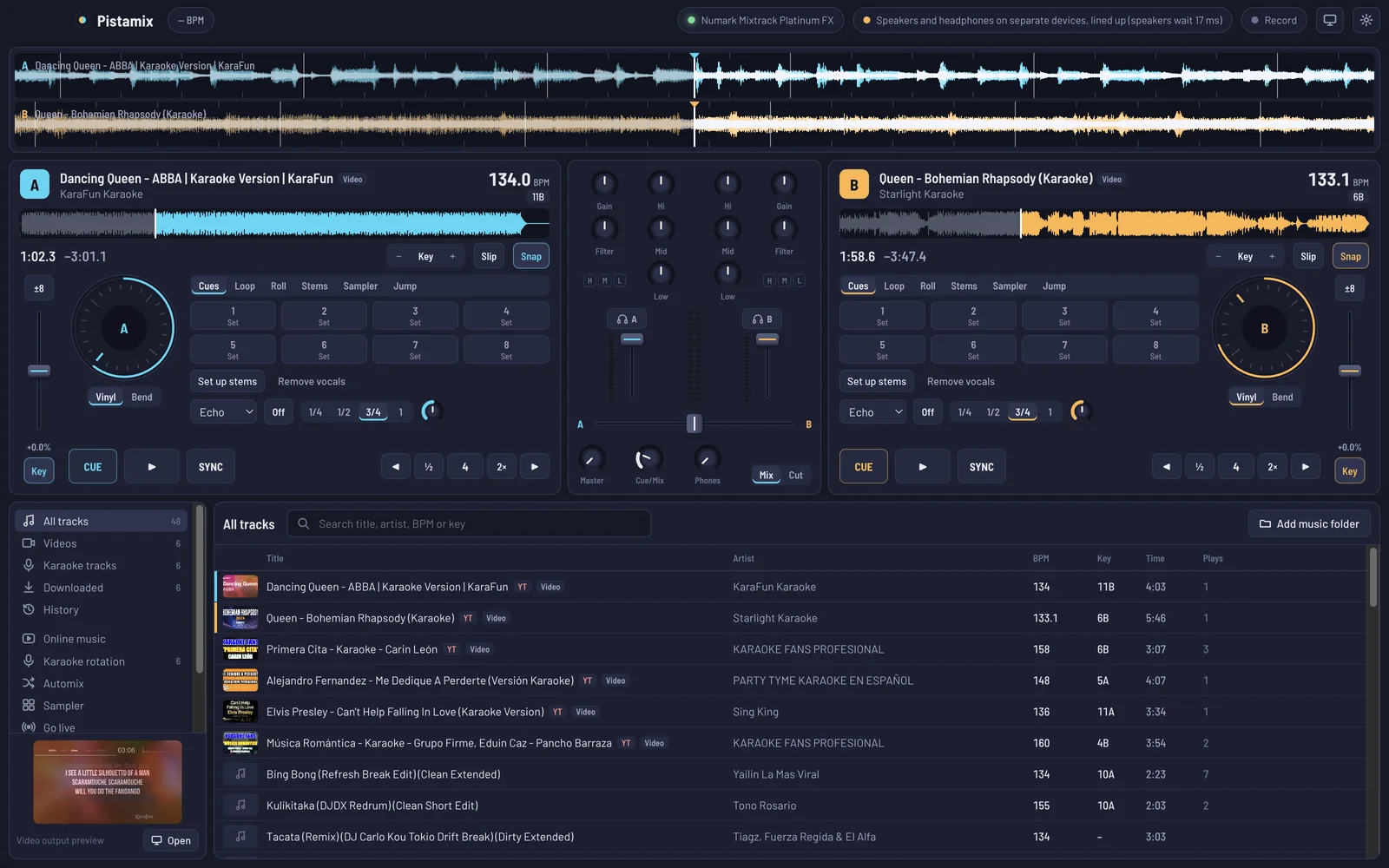
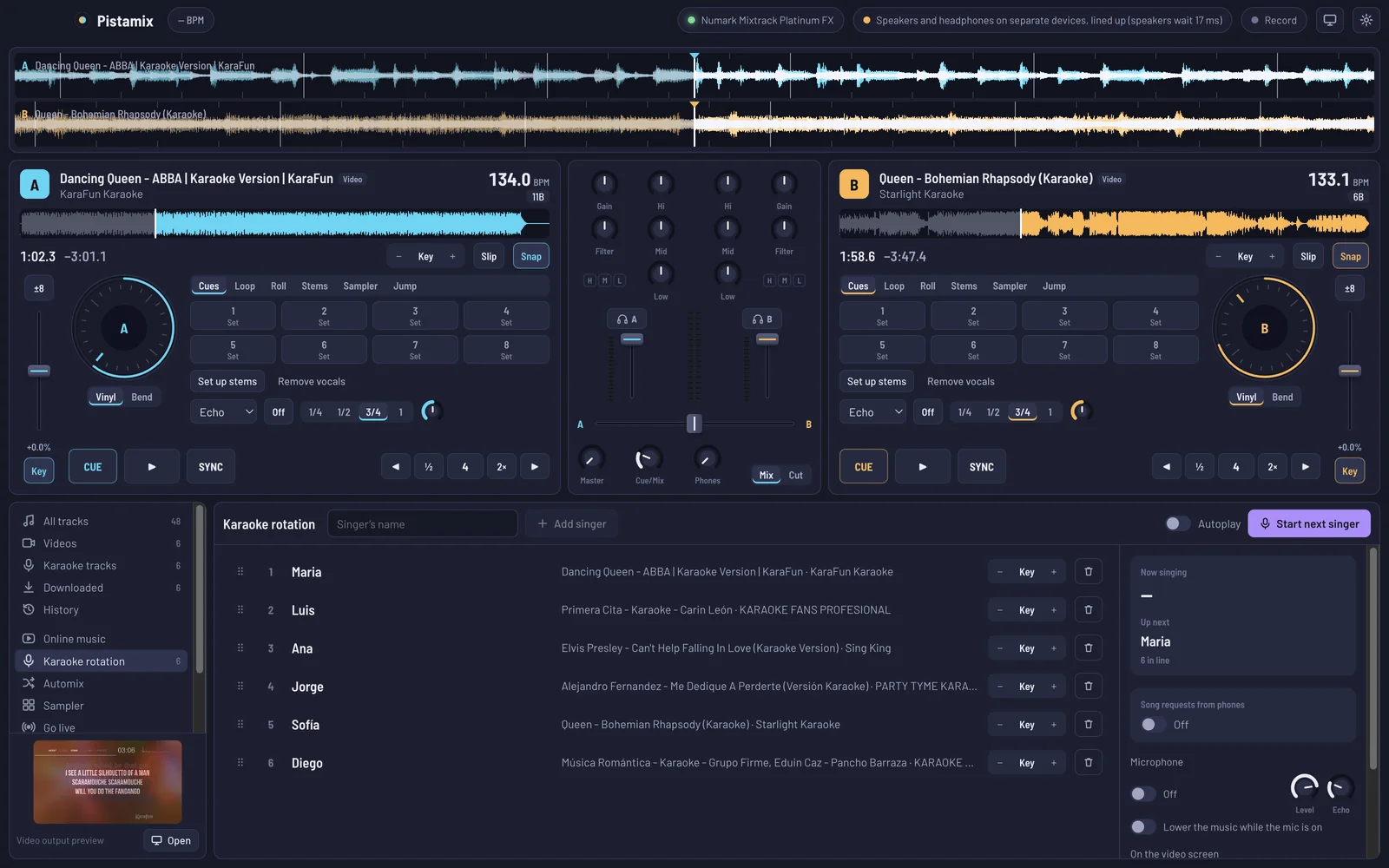
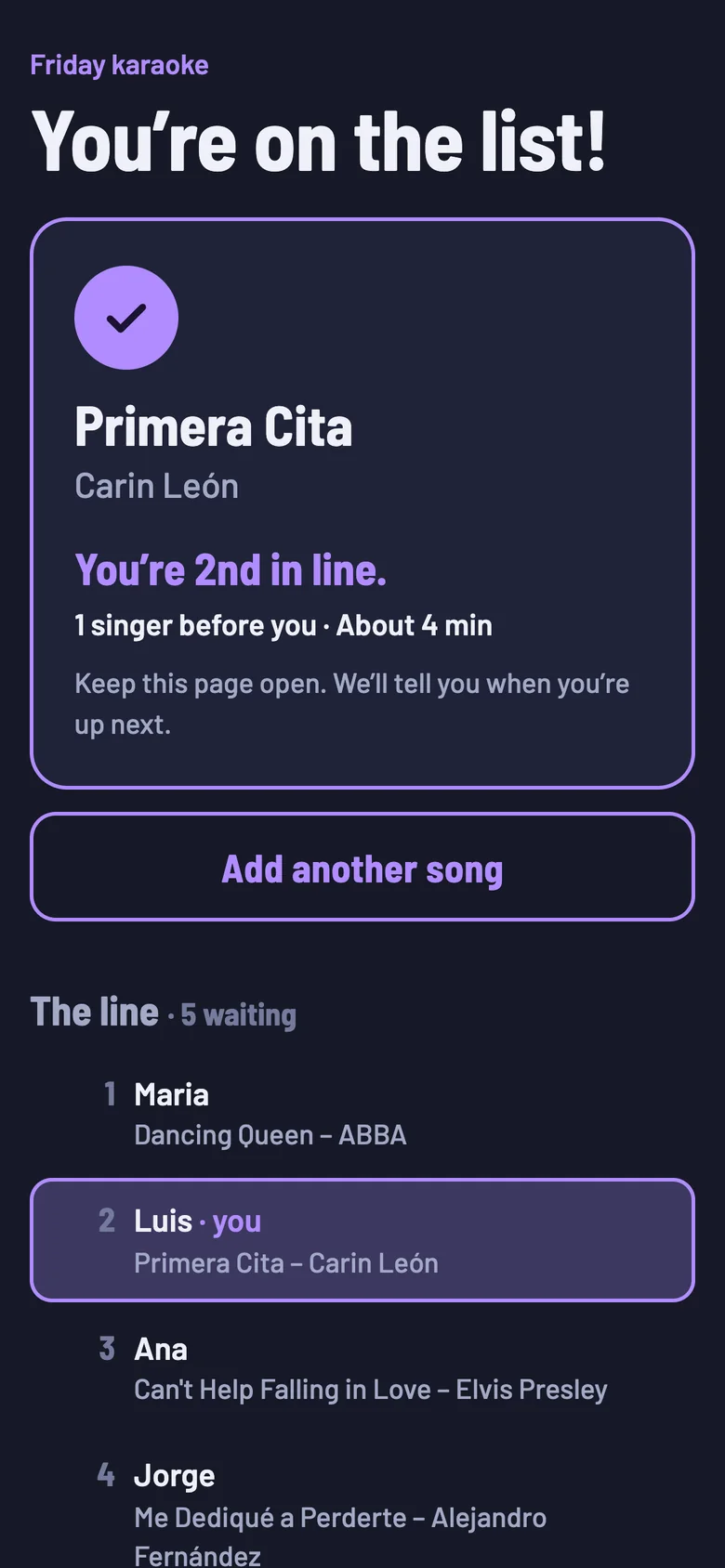
A Mac connected to a TV or projector, speakers, and a microphone plugged into your controller, audio interface or mixer. Guests use their own phones to sign up.
Where does the music come from?
Your own music and video files, plus online music you have the rights to use. Playing music in public, karaoke included, usually needs a licence for the venue.
Will settings carry over when I switch between the Apple Silicon and Intel versions?
Yes. Both are the same app; installing one replaces the other and keeps your library and settings.
 Pistamix